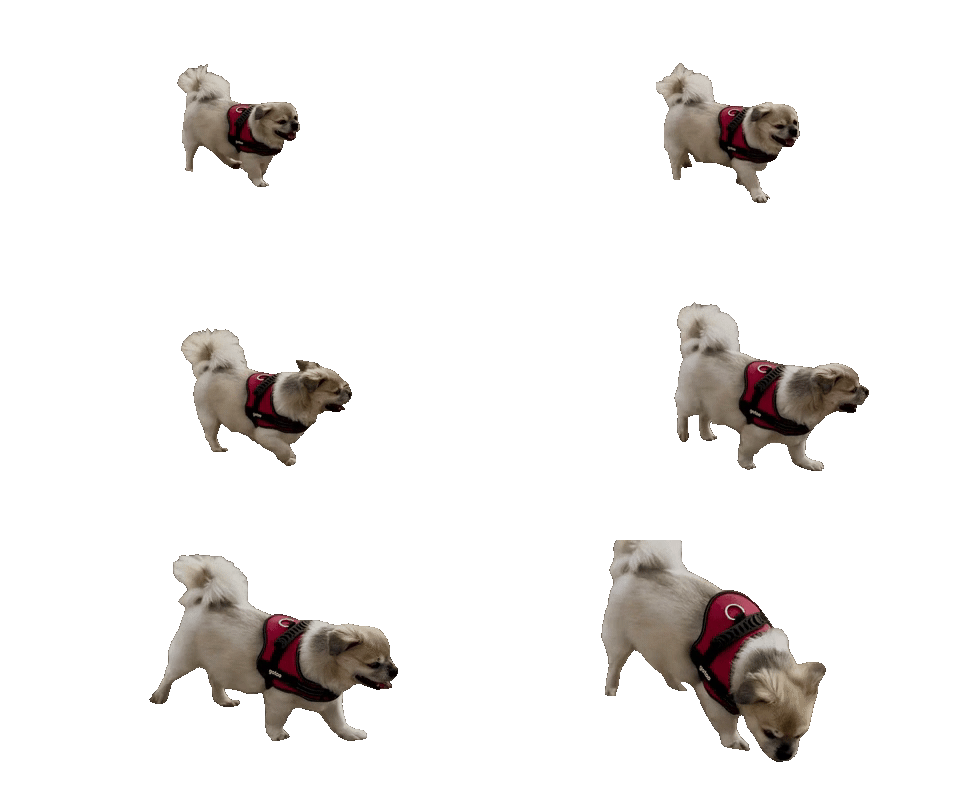

Dancer in a wood-panel studio
Original GIF · GIF for dark pages · GIF for light pages · WebP · APNG
Remove the background from a GIF, including real scenes and not just one color. Download a transparent GIF, WebP or APNG.

or drop it anywhere · paste with ⌘V
A dancer, a dog and two cats, filmed in real places with nothing staged. Each clip is 3 seconds and was cut in one pass with no touch-up. Download the files and check the edges yourself.
Dancer in a wood-panel studio
Original GIF · GIF for dark pages · GIF for light pages · WebP · APNG

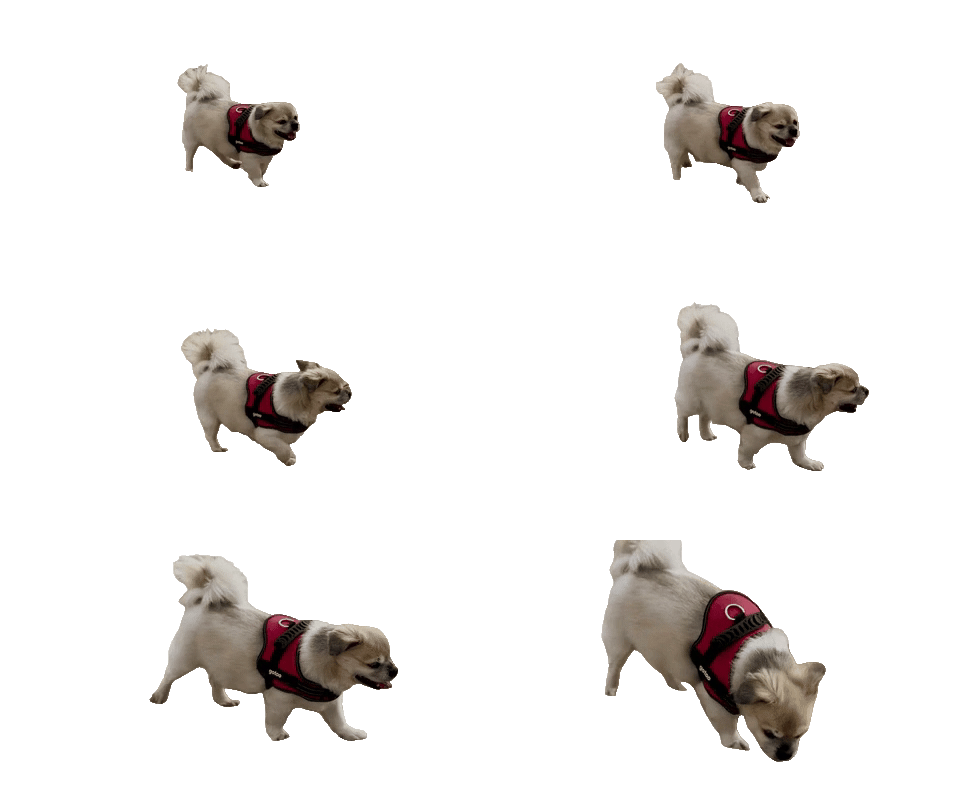
Small dog in a harness on sand
Original GIF · GIF for dark pages · GIF for light pages · WebP · APNG

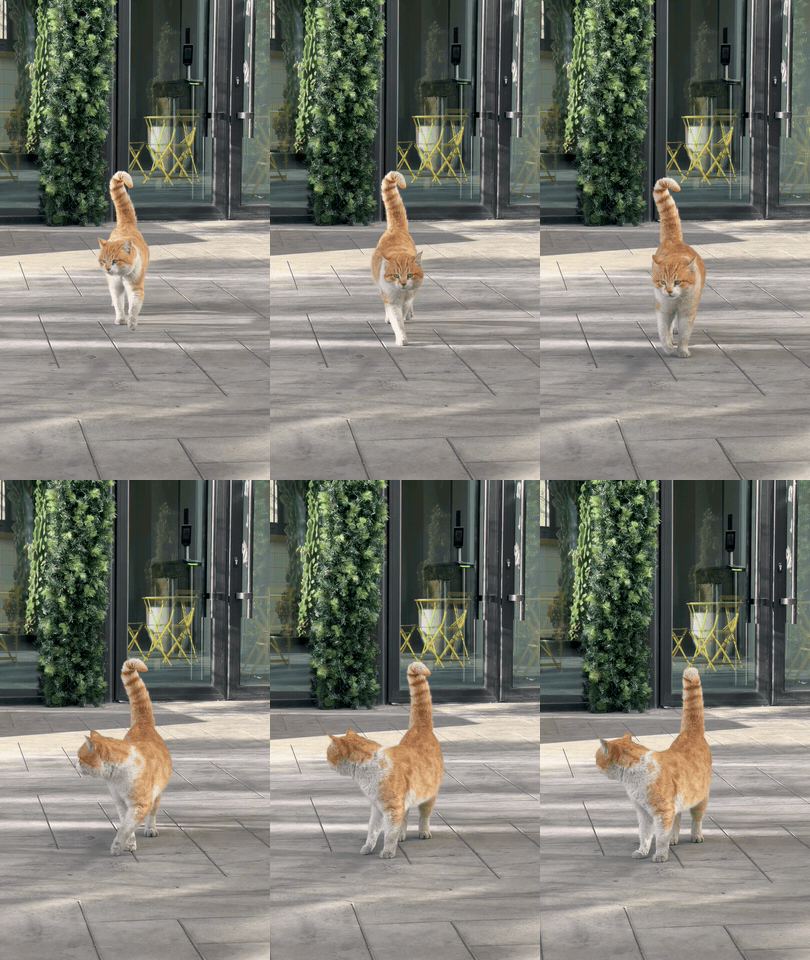
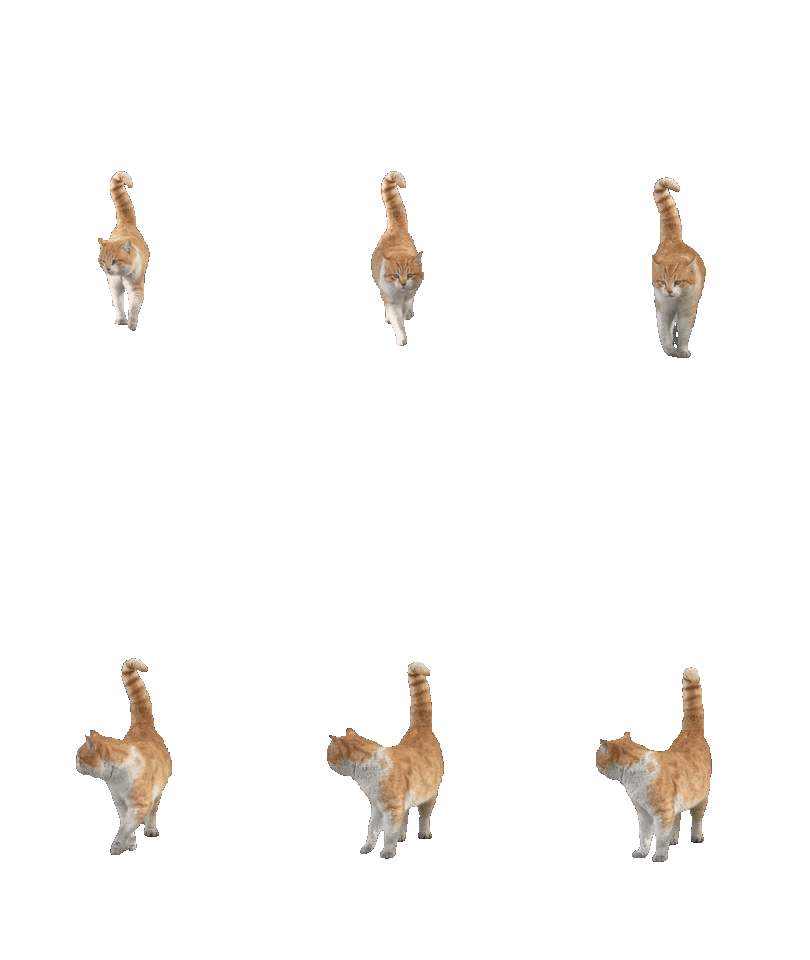
Ginger cat on a city sidewalk
Original GIF · GIF for dark pages · GIF for light pages · WebP · APNG
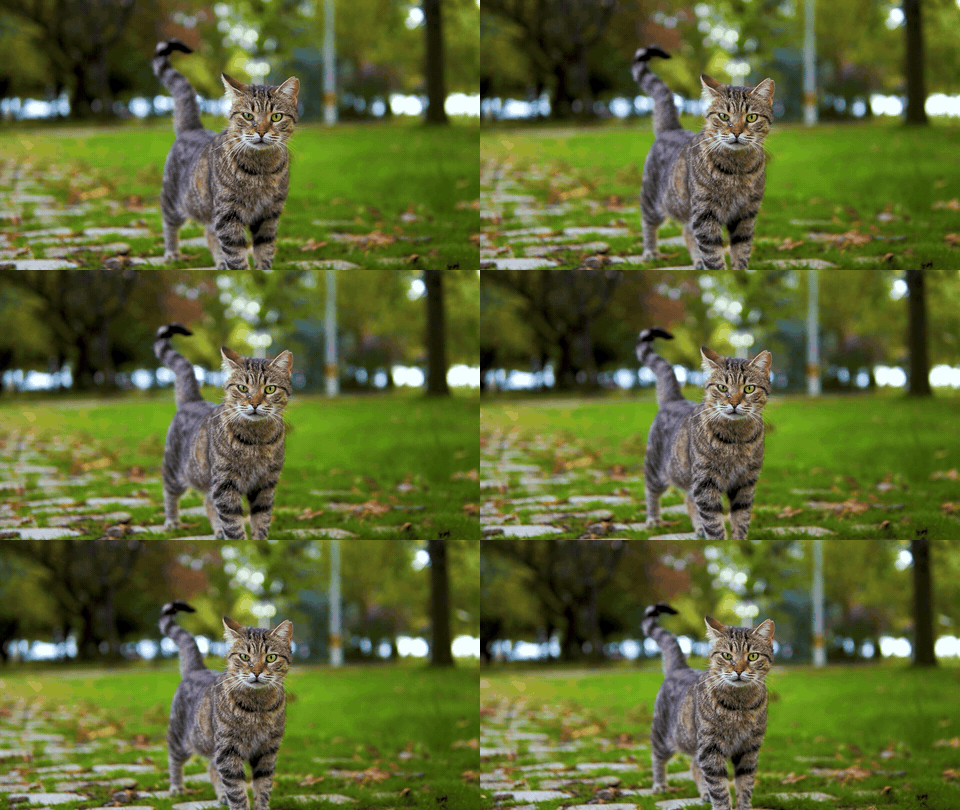
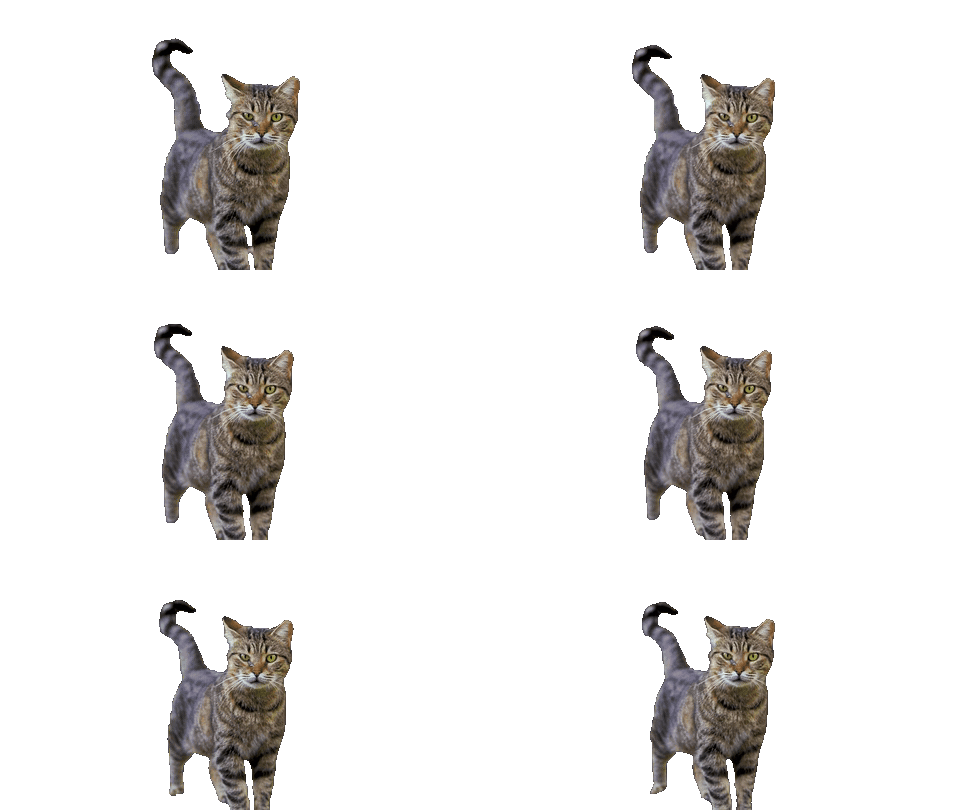
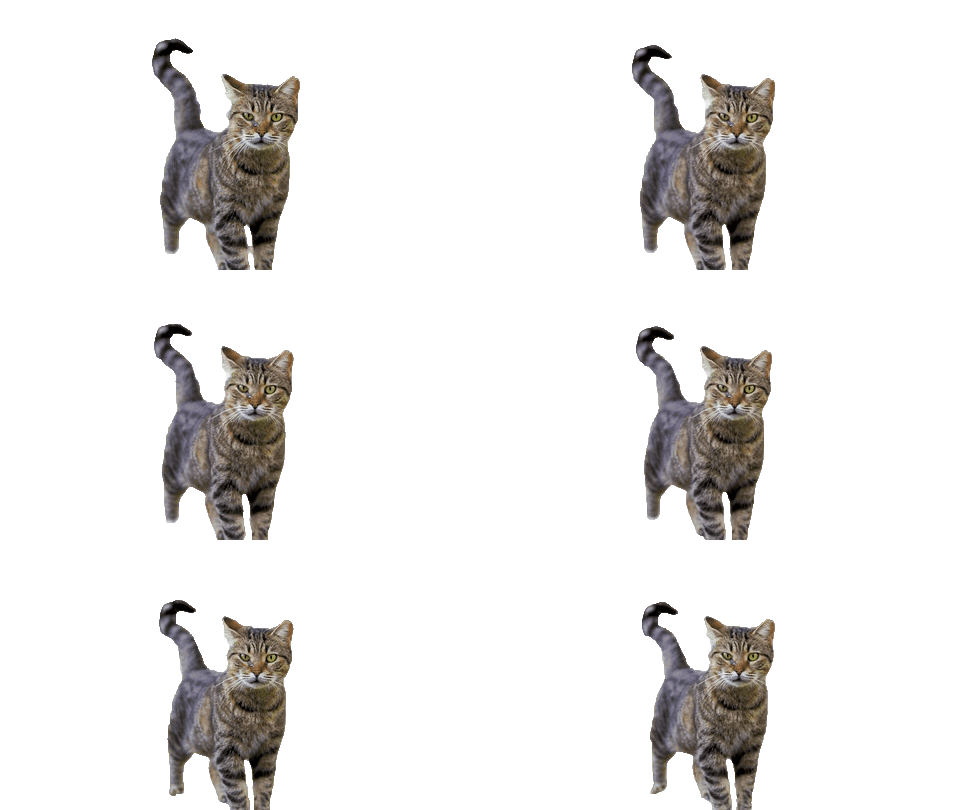
Tabby cat on park grass
Original GIF · GIF for dark pages · GIF for light pages · WebP · APNG
GIF files have hard edges, so there's one for dark pages and one for light pages. WebP and APNG keep soft edges on any background. Have your own GIF? Upload it at the top of the page.
Removing a white, black or green background from a GIF and cutting a person out of real footage need two different tools, and most GIF tools only have the first one.
A flat color — a loading spinner on white, rain or sparks on black, a logo on green. Every background pixel is the same color, so the job is to remove that color and soften the pixels that are half background. We spot this as soon as you choose the file and do it right in your browser: the GIF isn't uploaded, and you can drag the tolerance and soft-edge sliders and watch the result change. Soft edges matter on effects: with a hard cut, falling rain loses its faint streaks and keeps a dark outline.
A real scene — a dancer in front of a graffiti wall, a dog running on grass, a cartoon with sky and hills. There's no single color to remove, and erasing by hand means going through every frame. This is where the AI cutout comes in: the person, pet or character is kept in every frame and the rest becomes transparent.
We pick one for you from the edges of the GIF. If we guess wrong, switch it with one click.
A GIF pixel is either fully see-through or fully solid; there is nothing in between. The soft edge around hair or a glowing spinner has to be turned into solid pixels, and those pixels keep a bit of the old background color. Put a GIF that was cut from a white background onto a dark page and you get the familiar ring of light dots.
So before you download a GIF, tell us what it will sit on: light, dark, or the exact color of your page. We blend the edge pixels into that color, and the fringe disappears on that page. If the same file has to work on several backgrounds, download WebP or APNG instead: both keep smooth, partly transparent edges.
If you erased the background frame by frame in Photoshop or GIMP and the export plays as a smear of frames piled on top of each other, each frame is being drawn over the previous one instead of replacing it. With a solid background you never notice; once it's transparent, every old frame shows through.
Every frame we export is a complete picture and replaces the one before it, so the animation plays like the original. The original timing and loop setting are kept too.
You don't have to start from a GIF: this also works as a video to transparent GIF converter. Drop in an MP4, MOV or screen recording, including an export from Premiere Pro or CapCut, and choose GIF, WebP or APNG as the download. Keep clips short: a GIF stores every frame as a full picture, so a few seconds is usually right.
Animators exporting from After Effects or Blender often hit the same wall: the render has transparency, but the GIF comes out on black. If your render is on a solid color, the color option above removes it cleanly. Otherwise upload the render and the subject is cut out again in every frame.
GIF opens almost everywhere but has hard edges. Animated WebP and APNG keep soft edges but fewer apps take them. This is what each place officially supports.
| Where | GIF | Animated WebP | APNG |
|---|---|---|---|
| Web pages (Chrome, Safari, Firefox, Edge) | Plays; each pixel is either see-through or solid | Plays with soft, partly transparent edges | Plays with soft, partly transparent edges |
| Slack custom emoji | Yes, under 128 KB and 50 frames | No | No |
| Discord custom emoji | Yes, up to 256 KB | Yes, up to 256 KB | No |
| PowerPoint | Animates in Slide Show, not while editing; not in PowerPoint for the web | — | — |
From each app's help pages, Nov 2026. Using animated emoji on Discord needs Nitro. For emoji, crop to a square and keep it short: the size limits are small.
The free preview runs in your browser and shows the whole GIF with the background removed. It's made for people: on a GIF of a dancer it gives you a fair idea of the result, but it softens edges, and it can't find a cartoon character or an object at all. It can be watched, not downloaded.
The HD version runs on our servers with the full models. It keeps cartoons, pets and objects, not just people, and gives you the file. Most GIFs are under 5 seconds, so if you haven't bought credits yet, the one free HD try a day usually covers the whole GIF.
A GIF up to 5 seconds uses 10 credits, the same rate as video, and you see the price before you download. Switching format or edge color for the same GIF later is free. See pricing
FAQ
Yes. If the background is one flat color, it's removed by color in your browser. If it's a real scene, the AI keeps the person, pet or character in every frame and makes the rest transparent. Either way you get a transparent GIF, WebP or APNG that still animates.
Upload the GIF. We read the color around its edges and remove it from every frame; you can pick a different color from the image and adjust tolerance and soft edges while watching the result. The GIF isn't uploaded for this.
Overlap happens when each frame is drawn on top of the last one. Our GIFs are saved so that every frame replaces the previous one, with the original timing and loop, so the animation plays cleanly on any background.
Choose the color the GIF will sit on before you download. GIF edges can't be half transparent, so we blend them into that color and the white ring goes away. For a file that has to work on any background, download WebP or APNG.
Your GIF keeps its size, frame count and timing. The limit is the GIF format itself: 256 colors per frame and no partial transparency, which shows on hair and soft glows. WebP and APNG keep smooth edges and full color, so pick one of those when quality matters more than compatibility.
The browser preview is free, unlimited and needs no account, but it's watch-only. To download, accounts that haven't bought credits get one HD GIF a day free (anything up to 5 seconds). No download has a watermark, free or paid.
You don't need to install anything: upload a GIF, a video or an animation export here and download a transparent GIF, WebP or APNG.
Remove the background here first, then insert the file as a picture. In PowerPoint, use Insert › Pictures; the GIF animates in Slide Show but not while you edit, and PowerPoint for the web doesn't play it. In Google Slides, use Insert › Image. In OBS, add an Image source; it accepts GIF and WebP. Set "Will sit on" to your slide or scene color so the edges blend in.
No need: every frame is processed on its own, so a character that moves or changes shape is cut out in each frame, and you don't erase anything by hand.